Setting Up Nextcloud Talk for Private Family Chat
Files
Beginner
5 min read
Published: May 7, 2026
Was this helpful?
Help us improve our community guides.
Help us improve our community guides.
Collaborating on Documents in Nextcloud — Step-by-step guide for your LocalNode.
Connecting Nextcloud to External Storage — Step-by-step guide for your LocalNode.
Setting Up Nextcloud for the First Time — Step-by-step guide for your LocalNode.
If you want a completely private alternative to WhatsApp or iMessage for your family, Nextcloud Talk provides secure chat and video calling that never touches a corporate server.
Nextcloud Talk is an official plugin for Nextcloud. It allows users on your LocalNode to send text messages, share files directly from their Nextcloud storage, and initiate high-quality video calls. All data is end-to-end encrypted and routed exclusively through your home network.
You can now chat just like you would in WhatsApp. If you type / in the chat box, you can access commands to attach files directly from your Nextcloud drive, share your location, or create polls.
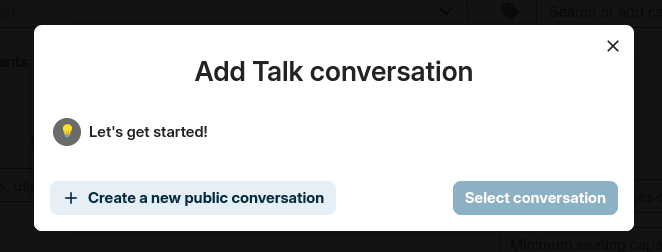
Video calling works flawlessly within the browser or the mobile app.
💡 Tip: For the best experience, have your family download the dedicated "Nextcloud Talk" app from the iOS App Store or Google Play Store. It handles push notifications for incoming calls much better than the standard Nextcloud Files app.
⚠️ Warning: Video calls between 2-4 people work perfectly because they use peer-to-peer connections. If you try to host a video call with 5 or more people, your LocalNode will require a separate "High Performance Backend" server, which requires advanced command-line configuration.
Need help? Email hello@localnode.tech or visit localnode.tech/contact.