Setting Up 4k Streaming on Jellyfin
Media
Beginner
5 min read
Published: May 7, 2026
Was this helpful?
Help us improve our community guides.
Help us improve our community guides.
Adding Your Movie and Tv Collection to Jellyfin — Step-by-step guide for your LocalNode.
Automating Subtitles with Bazarr — Step-by-step guide for your LocalNode.
Best Jellyfin Plugins to Install — Step-by-step guide for your LocalNode.
Playing massive 4K HDR files without buffering is the holy grail of home theater setups. Your LocalNode is fully capable of flawless 4K playback, provided you configure a few settings correctly.
4K media files are enormous—often 40GB to 80GB per movie. Moving that much data across your network requires proper bandwidth and the right settings in Jellyfin to ensure your server doesn't buckle under the load.
The absolute best way to watch 4K content is through "Direct Play". This means the LocalNode sends the raw video file directly to your TV without modifying it, and your TV's processor does the work of decoding it.
Auto or a very high number like 120 Mbps. If this is set too low (e.g., 10 Mbps), Jellyfin will be forced to compress the 4K file, destroying the quality and stressing the server.💡 Tip: If your 4K movie has PGS or VobSub image-based subtitles, turning them on might force the server to burn the subtitles into the video (transcoding). If you experience buffering when subtitles are on, try downloading text-based SRT subtitles instead using Bazarr.
If you try to play a 4K movie on a device that doesn't support 4K (like an older iPhone or a 1080p TV), Jellyfin has to convert the video on the fly. This is called "Transcoding". Your LocalNode has an Intel N100 processor with built-in QuickSync Video (QSV) designed exactly for this. We need to ensure it is turned on.
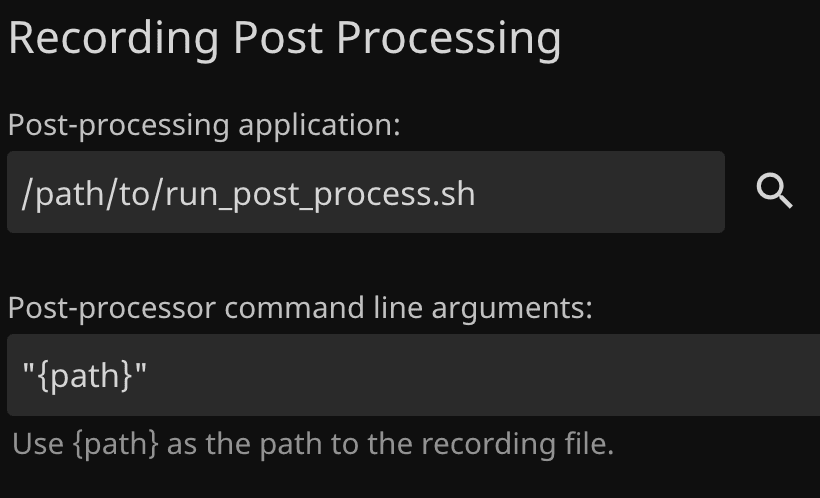
To ensure everything is working:
⚠️ Warning: Avoid transcoding 4K HDR video down to SDR if you can avoid it, as tone-mapping requires significant processing power. It is always better to acquire 1080p SDR versions of movies for older devices.
Need help? Email hello@localnode.tech or visit localnode.tech/contact.