Jellyfin on PS4, PS5, and Xbox
Media
Beginner
5 min read
Published: May 7, 2026
Was this helpful?
Help us improve our community guides.
Help us improve our community guides.
Adding Your Movie and Tv Collection to Jellyfin — Step-by-step guide for your LocalNode.
Automating Subtitles with Bazarr — Step-by-step guide for your LocalNode.
Best Jellyfin Plugins to Install — Step-by-step guide for your LocalNode.
If your gaming console is the center of your living room, you don't need a separate streaming stick to watch Jellyfin. You can access your LocalNode directly from your Xbox or PlayStation.
Getting Jellyfin onto a gaming console depends heavily on the manufacturer. Microsoft provides an official app in their store, while Sony is much more restrictive, requiring a workaround using the console's hidden web browser.
Xbox has excellent official support for Jellyfin, and the app handles high-quality video playback very well.
http://localnode.local:8096.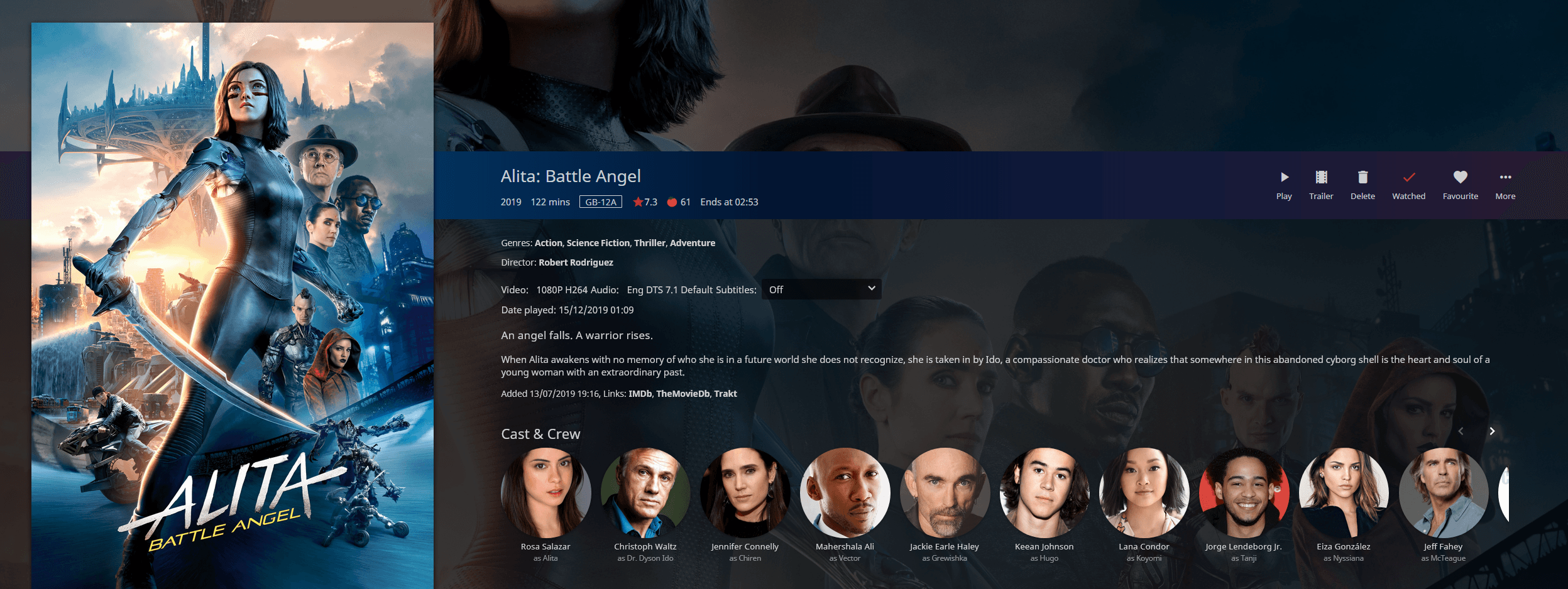
There is no official Jellyfin app in the PlayStation Store because Sony does not allow third-party developers to publish media player apps easily. However, you can still watch your content perfectly fine using the web browser.
For PS4:
http://localnode.local:8096 and press R2 to go.For PS5:
The PS5 famously "removed" the web browser, but it is actually still there—just hidden.
http://localnode.local:8096 in a PSN message, you can also just click that link directly from the Game Base to open the browser.💡 Tip: Because the PS5 method is tedious, we highly recommend pinning the Jellyfin URL as a message to a friend or an alt account in your PSN messages, so you can just click it anytime you want to watch.
While gaming consoles are incredibly powerful, they are not dedicated media players. They often lack support for modern video codecs like HEVC (H.265) or AV1 inside the web browser.
If you try to play a 4K HEVC movie on a PlayStation 4 via the web browser, your LocalNode will be forced to transcode the video into H.264 on the fly. Ensure your transcoding is set up properly if you plan to use a console as your primary playback device.
Need help? Email hello@localnode.tech or visit localnode.tech/contact.