Inviting Family to Your Jellyfin Server with Wizarr
Media
Beginner
5 min read
Published: May 7, 2026
Was this helpful?
Help us improve our community guides.
Help us improve our community guides.
Adding Your Movie and Tv Collection to Jellyfin — Step-by-step guide for your LocalNode.
Automating Subtitles with Bazarr — Step-by-step guide for your LocalNode.
Best Jellyfin Plugins to Install — Step-by-step guide for your LocalNode.
Jellyfin allows you to share your movie collection with your friends and family. Instead of manually typing out usernames and passwords for everyone, you can use the pre-installed Wizarr app to generate simple invite links.
Wizarr acts as an automated receptionist for your server. You generate a unique link, text it to your family member, and when they click it, they are walked through a simple setup screen where they choose their own username and password. Wizarr then automatically creates their account in Jellyfin and gives them instructions on how to download the app.
💡 Tip: You can also access Wizarr directly from any device by navigating to http://localnode.local:5690.
Wizarr needs an API key so it has permission to create accounts inside your Jellyfin server.
http://localnode.local:8096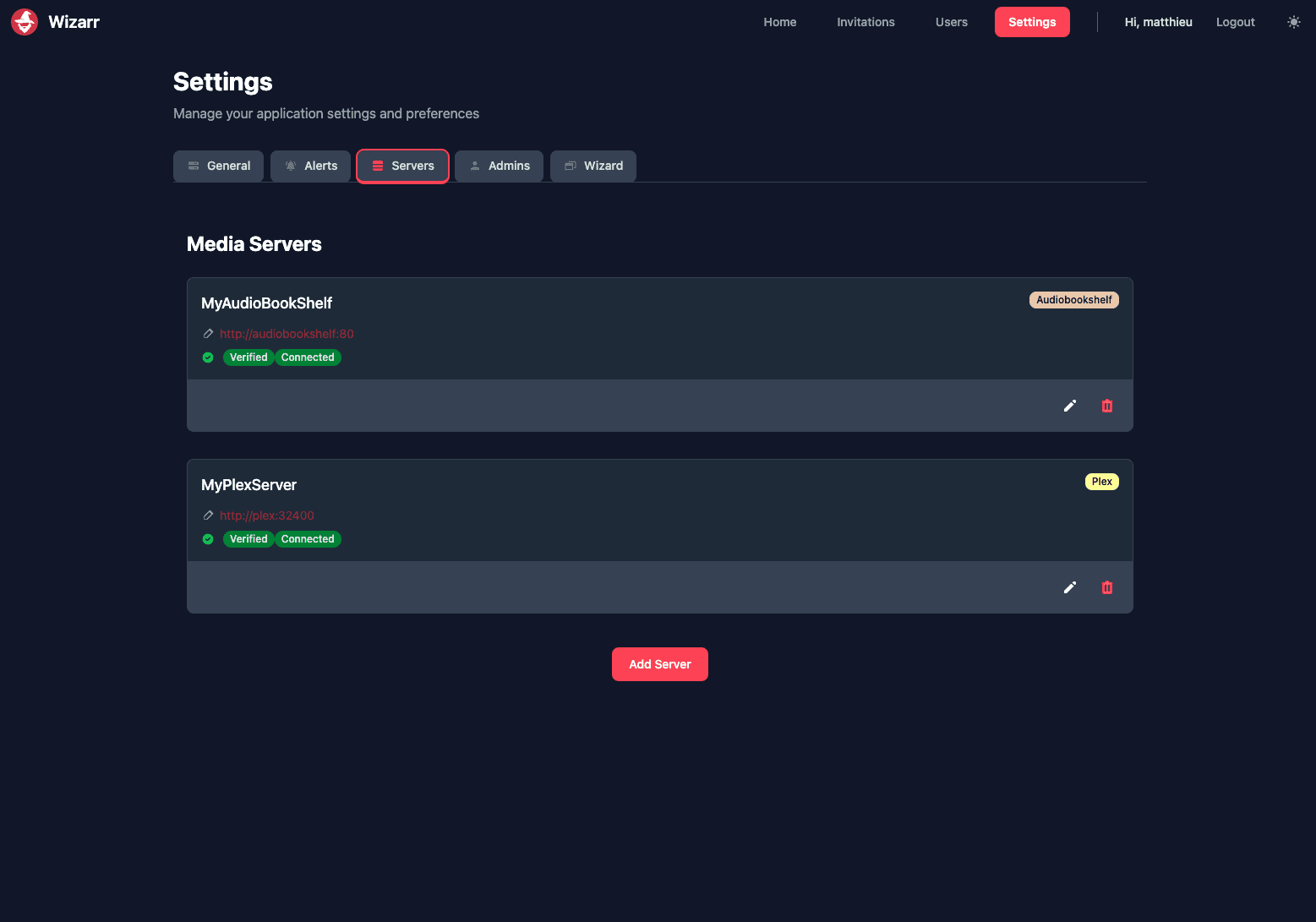
⚠️ Warning: If your family members are outside your home network, the localnode.local link will not work for them. You must have a VPN or reverse proxy set up so they can securely access your server remotely.
When your family member clicks the link, they will see a beautiful welcome screen:
Need help? Email hello@localnode.tech or visit localnode.tech/contact.