Adding Smart Home Devices to Home Assistant
Advanced
Beginner
5 min read
Published: May 7, 2026
Was this helpful?
Help us improve our community guides.
Help us improve our community guides.
Adding External Storage to Your Localnode — Step-by-step guide for your LocalNode.
Backing Up Your Entire Localnode Configuration — Step-by-step guide for your LocalNode.
Connecting Home Assistant to Localnode — Step-by-step guide for your LocalNode.
While Home Assistant automatically discovers many devices, there are over 2,000 specific brands (like Nest, Ring, and Ecobee) that require manual configuration to pull into your LocalNode dashboard.
In Home Assistant, device connections are called Integrations. When you add the "Ecobee" integration, Home Assistant connects to the Ecobee API, pulls down your thermostat, and creates "entities" (like current temperature, target temperature) that you can control.
Most popular brands are officially supported and built directly into Home Assistant.
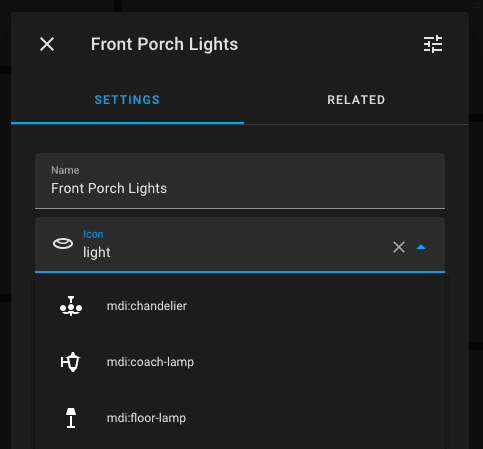
If your brand is obscure or very new, it might not be in the official list. Fortunately, the Home Assistant community creates thousands of custom integrations via a tool called HACS (Home Assistant Community Store).
💡 Tip: HACS is amazing for integrating cheap Tuya-based Wi-Fi bulbs or complex devices like Tesla cars into your dashboard.
If you want a truly local smart home, you should stop buying Wi-Fi devices and start buying Zigbee devices. Zigbee devices do not use Wi-Fi and cannot talk to the internet; they talk directly to a USB radio hub.
⚠️ Warning: USB 3.0 ports cause massive interference with the 2.4GHz Zigbee frequency. If you plug a Zigbee stick into the LocalNode, you MUST use a USB extension cable to move the stick at least 2 feet away from the server chassis, otherwise your range will be terrible.
Need help? Email hello@localnode.tech or visit localnode.tech/contact.